Creating Apache Virtual Hosts on a Mac

It is assumed that you are running MAMP, are running Apache on port 80, and have installed TextWrangler and its command line tools.

1. Create Entry in hosts file

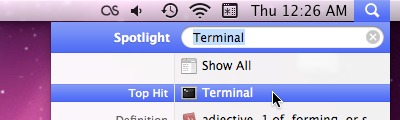
  1. Open Terminal using Spotlight
    Spotlight is located at the top right of the screen.
  2. Type in edit /etc/hosts + Enter to open hosts file in TextWrangler
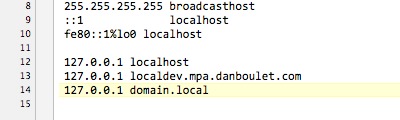
  3. Add the following on a new line to the bottom of the file:
    127.0.0.1 domain.local

    Add the new line at the end of the file.
  4. Save and close file

2. Edit Apache configuration file

  1. Open configuration file in TextWrangler
    (Applications → MAMP → conf → apache → httpd.conf)
  2. Add NameVirtualHost *:80 to end of file, if not already present
  3. Add Virtual Host code to end of file
    <VirtualHost *:80>
      DocumentRoot "/Users/username/sites/domain"
      ServerName domain.local
    </VirtualHost>
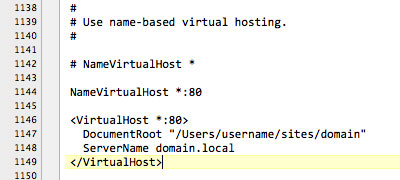
    Add the new code at the end of the file.
  4. Save and close file

3. Restart MAMP

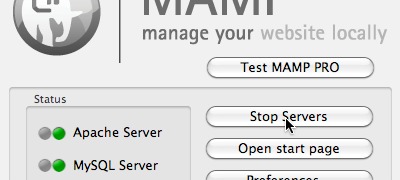
  1. Stop and then start the servers
    Use the MAMP console to restart Apache.
← Back